How to Renew Your NICOP Online — From Anywhere in the World
November 22, 2026 | by Zoraiz Mughal

For overseas Pakistanis, the NICOP (National Identity Card for Overseas Pakistanis) is the document everything else depends on — bank accounts, property, travel, family records. When it expires, life gets complicated. The good news: NADRA lets you renew it online, end to end, from the country you live in.
Before you start
Have these ready — the portal confirms your exact list for your case, but renewals typically ask for:
- Your existing NICOP (even if expired)
- Your Pakistani or foreign passport
- Your residence visa / permit for your country of residence, if applicable
- Marriage or birth certificates, only if your family status has changed since the card was issued
If your details have changed (name, marital status, address), you may need a modification application instead of a straight renewal — the portal will route you.
Step by step
- Use only the official channel. Download NADRA’s official Pak ID app (Apple App Store / Google Play) — it is NADRA’s official way to apply online — and create your account or sign in.
- Choose the service. In the identity documents section, select NICOP → Renewal, and enter your existing card details exactly as printed.
- Verify your identity. The app walks you through biometric verification, a live photograph, and a digital signature — all on your phone.
- Upload documents. Add clear scans or photos of the documents the application asks for.
- Choose processing speed and pay. Normal, urgent, and executive processing carry different fees, which depend on your country — the portal shows your exact fee before you pay. Pay online by card.
- Track and receive. Keep your Tracking ID. You can follow the application in PakID, and the renewed card is delivered to your address.
A warning that matters: fake NADRA websites
Fraudulent look-alike websites imitate NADRA to steal money and identity documents. Protect yourself:
- Apply only through the official Pak ID app, or in person at a NADRA centre — and take your information only from NADRA’s verified official channels.
- If a site’s address looks almost-but-not-quite official, close it.
- Never pay a “NADRA fee” through a link sent by WhatsApp or social media.
Stay updated: follow NADRA’s official WhatsApp channel
NADRA posts its latest announcements, service updates and fraud warnings on its official WhatsApp channel. Look for the blue verified badge next to the name NADRA — National Database and Registration Authority — followed by more than 1.9 million people. Follow the official NADRA channel on WhatsApp here: https://whatsapp.com/channel/0029VaH7JG2I1rckS9XnTg23 — if a channel or page claims to be NADRA without the verified badge, it is not official.
If online is not working for you
You can also apply in person at the NADRA centre at your nearest Consulate or Embassy of Pakistan. Bring your expired card and passport, and check the mission’s website for current instructions and timings before you travel.
The short version
Pak ID app → NICOP Renewal → verify, upload, pay, track — or apply in person at a NADRA centre. And only ever trust NADRA’s verified official channels.
More guides for Pakistanis abroad — documents, skills, and earning with AI — are on this site. Try Zoraiz.ai, my free AI mentor, or the AI Tools directory for platforms I personally recommend.
Community information only — NADRA’s portal is the authority for your application, fees, and timelines.
RELATED POSTS
View all

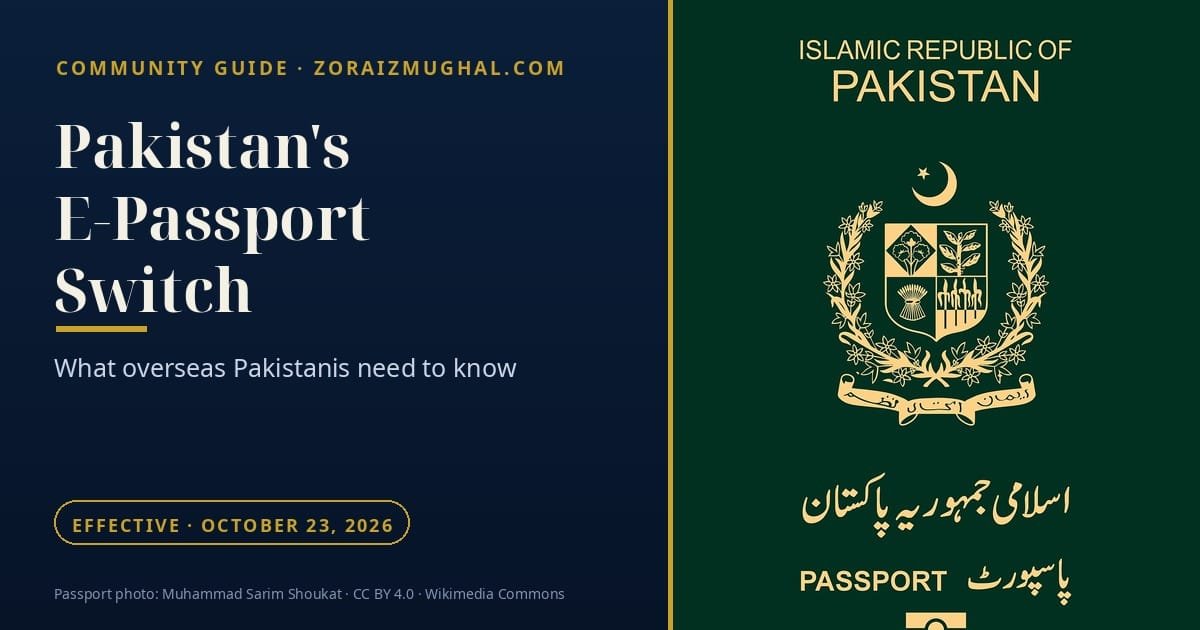
Pakistan’s E-Passport Switch: What Overseas Pakistanis Need to Know
November 22, 2026 | by Zoraiz Mughal

The country where I was born Pakistan
October 11, 2022 | by Zoraiz Mughal